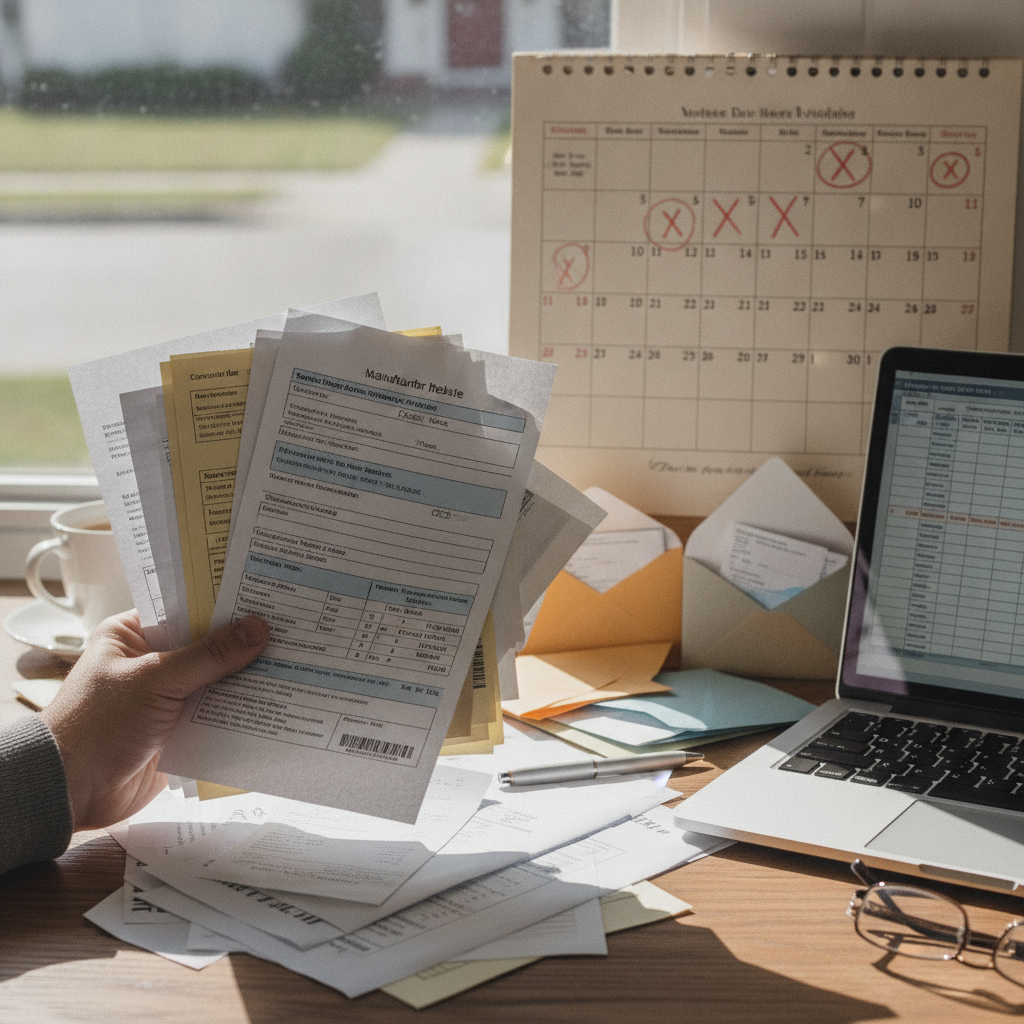
Manufacturer rebates are designed with a structural tension built in: the discount is real, but collecting it requires steps that many shoppers never complete in time. Unlike instant savings applied at checkout, rebates place the burden of action squarely on the buyer. Submission deadlines, staggered expiration dates, and multi-step verification processes create enough friction that a significant portion of issued rebates go unredeemed every year — and that unredeemed value doesn't disappear. It flows directly back to the manufacturer or retailer who offered the deal.
If you've ever bought a router, appliance, or set of tires with a rebate attached and then never seen that check arrive, you're not alone. The system isn't always working against you intentionally, but it's certainly not designed to make the process effortless.
Understand the Difference Between Submission and Expiration Deadlines
Most rebate offers include two separate dates that shoppers routinely confuse. The submission deadline is the date by which you must send or upload your claim. The expiration date on any prepaid card or check issued is a separate clock that starts ticking after the rebate is processed. Missing either one forfeits your savings entirely. Brands like Whirlpool, Michelin, and Bosch commonly run rebates with submission windows as short as 30 days from purchase, while the check or card issued afterward may expire within 90 days of issue.
Read the Fine Print Before You Leave the Store
Rebate terms are often printed in a small leaflet inside the product box or listed on a separate promotional page — not on the price tag that caught your attention. The qualifying purchase dates, eligible SKU numbers, and required documentation vary by promotion. A rebate on a Dyson vacuum purchased one day before a promotion ends may not qualify, even if the display didn't make that timing obvious. Taking two minutes to photograph or screenshot the full rebate terms at the point of purchase prevents a lot of frustration later.
Submit Digitally When Possible to Create a Paper Trail
Online rebate portals, which most major manufacturers now offer, provide confirmation emails and tracking numbers that paper mail submissions don't. If a mailed-in UPC or receipt gets lost, you typically have no recourse. Digital submission through platforms like Staples Rebate Center or manufacturer-specific portals creates a timestamped record that can be referenced if your claim stalls or disappears. Always save the confirmation email and screenshot the submission page before closing the browser.
Set Calendar Reminders the Day You Buy
The most common reason rebates go unclaimed isn't confusion — it's forgetting. Between the excitement of a purchase and the routine of daily life, a 30-day submission window closes quietly. Setting a reminder in your phone's calendar on the day of purchase, flagged for one week before the deadline, costs nothing and takes about 20 seconds. Add a second reminder for when the rebate card is expected to arrive, so you don't let an expiring prepaid card sit unused in a drawer for months.
Track Multiple Rebates With a Simple Spreadsheet
Anyone who shops sales at retailers like Best Buy, Home Depot, or Office Depot during major promotional periods can easily accumulate three or four active rebates simultaneously. A basic spreadsheet — even a free Google Sheets template — with columns for purchase date, submission deadline, expected arrival date, and card expiration turns a chaotic stack of receipts into a manageable checklist. This approach is especially useful around back-to-school and holiday seasons when rebate promotions stack across multiple categories.
Use Rebate Aggregator Sites to Spot Current Offers
Sites like SlickDeals and RetailMeNot often surface rebate promotions that aren't prominently displayed in-store or on a retailer's homepage. Checking these platforms before a planned purchase sometimes reveals that a product carries a mail-in rebate that effectively lowers the final price well below the listed sale price. Knowing about the rebate in advance gives you time to read the terms before buying, rather than scrambling to find submission instructions after the box is already open.
Spend or Transfer Rebate Cards Before They Expire
Prepaid rebate cards issued by Visa or Mastercard on behalf of manufacturers often carry expiration dates of six months or less from the issue date. If you don't plan to use the full balance immediately, transferring the amount to a PayPal balance or using it for a recurring online purchase can prevent the value from vanishing. Checking the card balance online as soon as it arrives and treating it like cash with a firm expiration date keeps you from leaving money on the table in the final stretch.
As rebate programs continue to shift toward fully digital submission and virtual prepaid cards, the mechanics will evolve — but the fundamental dynamic won't. The gap between shoppers who collect what they're owed and those who don't will continue to come down to process and follow-through. Building a simple personal system for tracking rebates, even an informal one, is the most reliable way to make sure every discount you've already earned actually reaches your wallet.